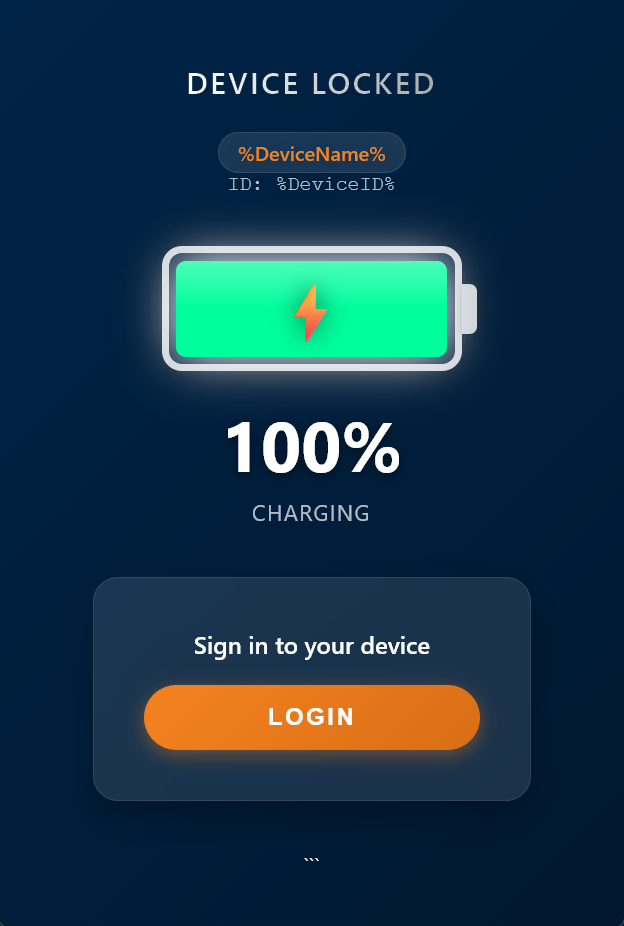
Premium collection of high-performance lockdown screens for SOTI MobiControl.
Version 2.1 new features:Added config key (true/false) to enable/disable admin menu button on post authenticated screen.Key FeaturesHidden admin menu accessible via a configurable PINDirect access to SOTI XSight and SOTI MobiControl AgentsLive battery status widget (pre- and post-authentication)Charging animations when the device is connected to powerCustomizable company logoClock widget and dynamic device name variablesExtended device information available via the admin menuPIN Configuration (SOTI MobiControl)Open your Lockdown Profile in SOTI MobiControlAdd a new Home Screen ItemConfigure the item as follows:Display Name: Enter the desired PIN (e.g. 8888)Action: Launch://Package Name / URL: config.pinHide Item: DisabledThe template handles hiding automatically. Enabling this may prevent the PIN data from being passed to the device.Save and assign the profileCompany Logo ConfigurationTo display a custom company logo, use the built-in template logic:Add a new Home Screen Item in the Lockdown profileDisplay Name: Must start with Logo (case-insensitive)Examples:LogoLogo Mainlogo_companyImage: Upload your company logoAction: Not requiredThe Package Name / Launch / URL field is ignored for logo itemsYou may enter a dummy value (e.g. launch://logo) if required